

How to use the Optimization Assistant in rConfig V8
How to use the Optimization Assistant in rConfig V8
Section titled “How to use the Optimization Assistant in rConfig V8”After reading this page, you can open the Optimization Assistant from the System Optimization settings page and ask it questions grounded in rConfig’s own documentation, not a device configuration.
When to use this
Section titled “When to use this”Use the Optimization Assistant when you’re tuning PHP settings, database performance, queue workers, or caching, and want a quick, doc-grounded answer instead of searching the documentation site yourself.
Prerequisites
Section titled “Prerequisites”AI_CENTER_ENABLED=trueset on the server (see Set up an AI provider)- An active AI provider
- Optimization Assistant turned on in AI Configuration
- Permission to view Settings
How it’s different from the other capabilities
Section titled “How it’s different from the other capabilities”The other three in-app capabilities are grounded in rConfig’s networking domain knowledge (the context harness) because they’re reasoning about device configurations. The Optimization Assistant is reasoning about rConfig itself, so it’s grounded differently: each answer retrieves the most relevant fragments from an indexed copy of docs.rconfig.com content, pulling in only what’s relevant to your specific question. It doesn’t send any device configuration data. See Governance, audit & privacy for the full data-handling breakdown.
Step-by-step walkthrough
Section titled “Step-by-step walkthrough”1. Open System Optimization settings
Section titled “1. Open System Optimization settings”Open System Settings from the left sidebar, then select System Optimization under System Management.
2. Click AI Assistant
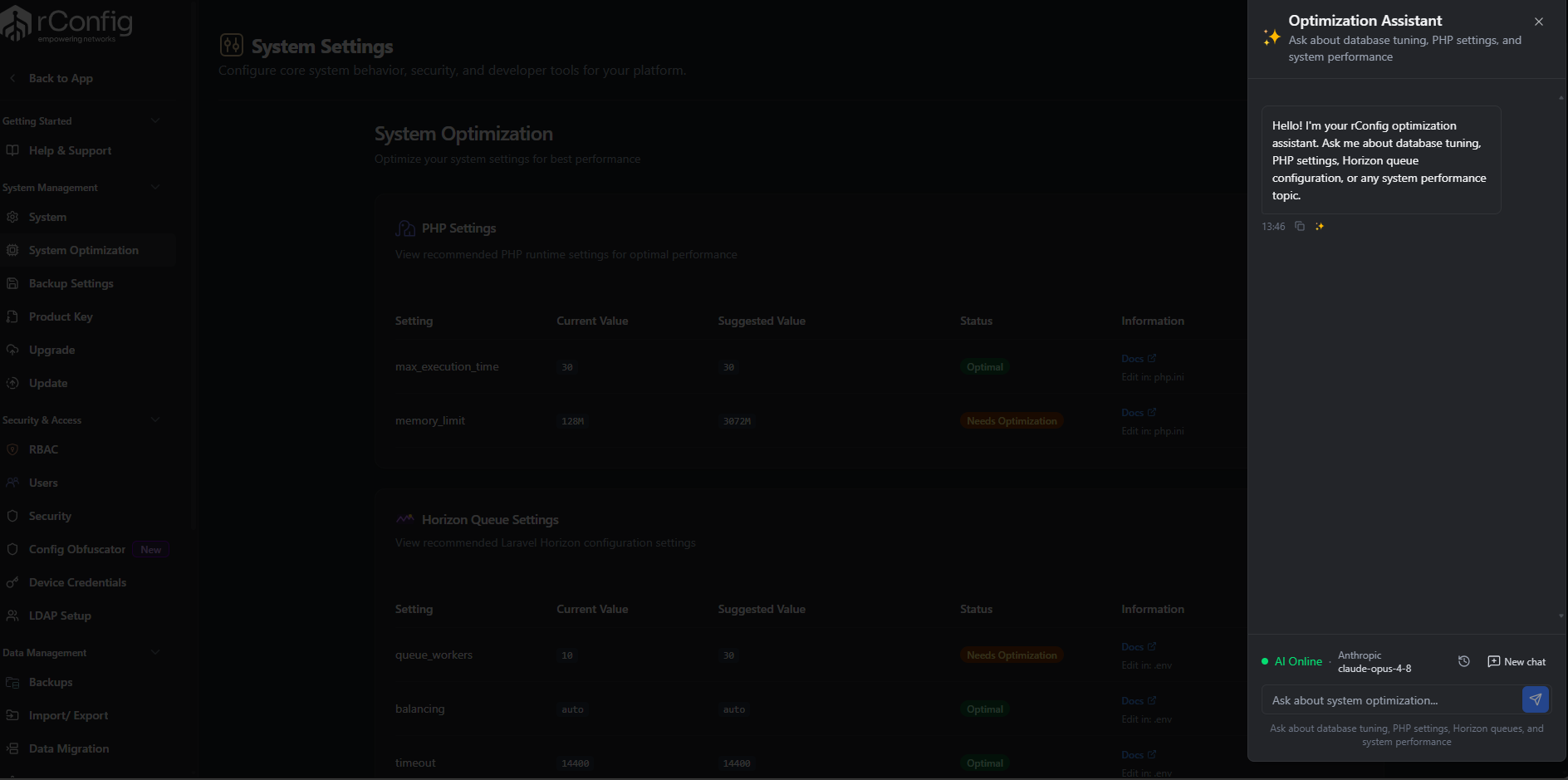
Section titled “2. Click AI Assistant”Click the AI Assistant button. This opens the Optimization Assistant panel, subtitled “Ask about database tuning, PHP settings, and system performance.”
3. Ask your question
Section titled “3. Ask your question”Type your question in the box (placeholder: “Ask about system optimization…”) and send it. The assistant answers using content retrieved from rConfig’s documentation for that turn. It’s not carrying the entire docs site in context, so very broad or multi-topic questions may get a narrower answer than a single, specific one.
The button is hidden entirely if the Optimization Assistant capability is turned off in AI Configuration.